PS5 vs PC | Which One is Better for Gaming
"PS vs PC: Which One is Better for Gaming?"
Introduction:
When it comes to gaming, there are two main options for serious gamers: PlayStation and PC. Both platforms have their pros and cons, and choosing the right one depends on your preferences and gaming needs. In this article, we will compare PlayStation and PC and help you decide which one is better for you.
PC Gaming:
PC gaming has been around for decades, and it has evolved significantly over the years. PC gamers have access to a wide range of games, and they can play games at higher resolutions and frame rates than consoles. PC gamers also have more customization options, including the ability to upgrade their hardware to improve performance.

PlayStation Gaming:
PlayStation is a console gaming platform that was introduced by Sony in 1994. PlayStation consoles are affordable, easy to set up, and offer a wide range of exclusive games. PlayStation consoles also have a strong community of players, and many games offer multiplayer modes that allow you to play with friends or strangers online.

One of the downsides of PlayStation gaming is that you cannot customize your hardware. While PlayStation consoles are powerful, you cannot upgrade them to improve performance. Another downside is that you have to pay for PlayStation Plus to access online multiplayer features, which can add up over time.
Comparison:
When it comes to gaming, there are several factors to consider when comparing PlayStation and PC. These include performance, graphics, game library, customization, and cost.

Performance:
PC gaming offers higher performance than consoles, thanks to the ability to upgrade hardware. With a high-end gaming PC, you can play games at higher resolutions and frame rates than consoles. However, PlayStation consoles are still powerful and can run games smoothly at lower resolutions and frame rates.

Graphics:
PC gaming offers better graphics than consoles, thanks to the ability to play games at higher resolutions and with better visual effects. However, PlayStation consoles still offer impressive graphics and can run games at 4K resolution.

Game library:
PC gaming offers a wider range of games than consoles, including many indie games that are not available on consoles. However, PlayStation consoles offer a range of exclusive games that cannot be played on PC.

Customization:
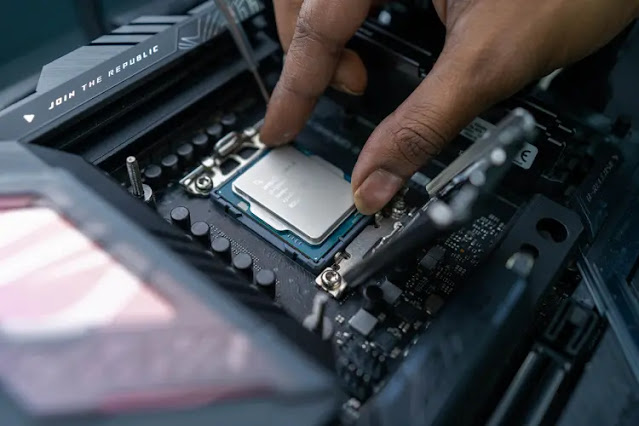
PC gaming offers more customization options than consoles, including the ability to upgrade hardware, install mods, and tweak game settings. However, PlayStation consoles are easier to set up and use, and you do not have to worry about compatibility issues or driver updates.
.jpg "PS vs PC")
Cost:
PC gaming can be more expensive than consoles, especially if you want to build a high-end gaming PC. However, PC games are often cheaper than console games, and you can often find great deals on gaming hardware and peripherals. PlayStation consoles are affordable and offer a lot of value for the price, but you may have to pay for additional features like PlayStation Plus to access online multiplayer modes.

Conclusion:
When it comes to gaming, there is no clear winner between PlayStation and PC. Both platforms have their pros and cons, and the choice ultimately depends on your preferences and gaming needs. If you want the best graphics and performance, and don't mind spending money on hardware upgrades, PC gaming is the way to go. If you want an affordable, easy-to-use console with a wide range of exclusive games, PlayStation gaming is the way to go. Whichever platform you choose, make sure to have fun and enjoy your gaming experience!

Comments